
How much VRAM does gaming pc rtx 5080 have?
Choosing a powerful graphics card is an important step when building a high-performance gaming computer. One of the most common questions among gamers is how much video memory a graphics card offers and whether that memory is enough for modern games. The NVIDIA GeForce RTX 5080 is designed for demanding gaming, high-resolution graphics, and advanced rendering technologies. 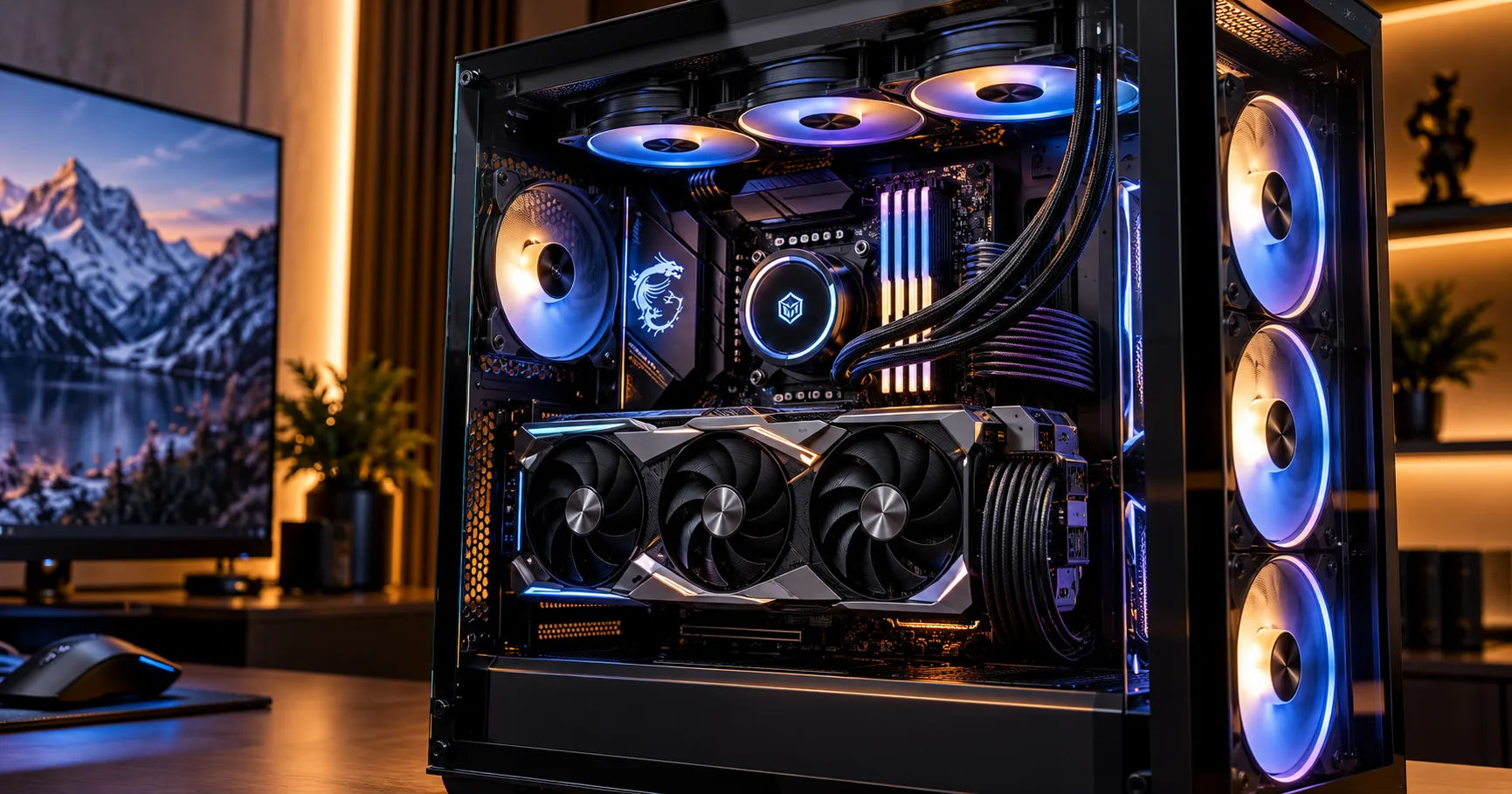 The gaming pc rtx 5080 configuration is particularly interesting to players who want to enjoy 1440p or 4K gaming with detailed textures, realistic lighting, and smooth performance. However, understanding the graphics card's memory capacity is essential before investing in a premium gaming system. VRAM affects how much graphical data a GPU can store and access quickly, especially when games use high-resolution textures and demanding visual effects.
The NVIDIA GeForce RTX 5080 comes with 16 GB of GDDR7 video memory (VRAM). This capacity gives gamers a substantial amount of memory for modern gaming workloads, high-quality graphics, and many creative applications. However, the actual experience depends on the game, resolution, graphics settings, ray tracing features, and other hardware components in the computer.
Understanding what these 16 GB mean in everyday gaming can help you decide whether an RTX 5080 system is suitable for your needs.
How Much VRAM Does the RTX 5080 Have?
The NVIDIA GeForce RTX 5080 features 16 GB of GDDR7 memory. GDDR7 is a modern type of graphics memory designed to provide high bandwidth for demanding graphics workloads.
VRAM stands for Video Random Access Memory. Unlike regular system RAM, which supports the processor and operating system, VRAM primarily stores data that the graphics processing unit (GPU) needs to render images. This includes textures, frame buffers, lighting information, geometry, and other graphical resources.
The RTX 5080's memory capacity is well suited to high-end gaming, particularly at 1440p and 4K resolutions. It also supports demanding graphical features that require large amounts of data to be available to the GPU.
RTX 5080 VRAM Specifications
Here are the key memory specifications of the desktop GeForce RTX 5080.
|
Specification |
Details |
|---|---|
|
Graphics card |
NVIDIA GeForce RTX 5080 |
|
VRAM capacity |
16 GB |
|
Memory type |
GDDR7 |
|
Memory interface |
256-bit |
|
Memory speed |
30 Gbps |
|
Memory bandwidth |
Approximately 960 GB/s |
|
Architecture |
NVIDIA Blackwell |
These specifications help explain why the RTX 5080 is designed for demanding gaming. Its 16 GB capacity determines how much graphics data it can hold, while memory bandwidth describes how quickly that data can be transferred.
Both characteristics matter, but they serve different purposes. More VRAM does not automatically mean higher frame rates in every game, and high memory bandwidth cannot eliminate every limitation caused by insufficient memory capacity.
What Does 16 GB of VRAM Mean for Gaming?
Having 16 GB of VRAM means the graphics card can store a large amount of visual information while a game is running. This is especially useful in modern games with detailed environments, high-resolution textures, complex character models, and realistic lighting.
For example, an open-world game may contain forests, buildings, vehicles, mountains, and detailed character animations. The graphics card needs access to the visual information required to display these elements. VRAM helps keep that information readily available.
A gaming pc rtx 5080 can handle demanding graphics workloads because it combines 16 GB of GDDR7 memory with a powerful GPU and high memory bandwidth. However, performance also depends on how efficiently a particular game uses available resources.
Why VRAM Capacity Matters
VRAM capacity can affect several aspects of gaming:
-
Texture quality: More available memory can help accommodate detailed, high-resolution textures.
-
Resolution: Rendering games at 4K generally requires more graphics memory than rendering at 1080p.
-
Ray tracing: Advanced lighting and reflections can increase memory requirements.
-
Game stability: Sufficient VRAM helps reduce performance problems associated with memory shortages.
-
Creative applications: Video editing, 3D rendering, and other GPU-intensive tasks can benefit from additional graphics memory.
It is important to understand that VRAM does not determine performance by itself. A graphics card also needs sufficient processing power to render frames quickly.
Is 16 GB VRAM Enough for 4K Gaming?
Yes, 16 GB of VRAM is generally a strong capacity for 4K gaming, although the amount required depends on the game and its settings.
A 4K display has approximately four times as many pixels as a 1080p display. Rendering these additional pixels can increase the workload placed on the GPU and its memory system.
The RTX 5080 is designed for high-resolution gaming, and its memory configuration makes it suitable for many demanding 4K experiences.
Playing Modern Games at 4K
At 4K resolution, players can enjoy sharper images, more detailed environments, and clearer textures. The RTX 5080 can support these experiences while providing access to advanced technologies such as DLSS.
Some games may use considerable VRAM when players select ultra-quality textures, ray tracing, and other demanding settings. In these situations, 16 GB can be sufficient, but individual titles may approach or exceed that amount under particular conditions.
When a game runs out of available VRAM, the system may need to move data between graphics memory and other memory resources. This can contribute to stuttering or inconsistent frame delivery.
Can You Use Ultra Graphics Settings?
In many games, yes. The RTX 5080 is a high-end graphics card, and 16 GB of VRAM provides room for demanding texture settings.
However, ultra settings are not always necessary. High settings can sometimes provide nearly identical visual quality while improving performance or reducing memory usage.
Players should also remember that ray tracing and path tracing can create additional workloads. Adjusting individual settings may deliver a better balance between image quality and smooth gameplay.
How Does RTX 5080 VRAM Compare With Other Graphics Cards?
Comparing memory capacity can help buyers understand where the RTX 5080 stands in the graphics card market.
|
Graphics card |
VRAM capacity |
Memory type |
|---|---|---|
|
GeForce RTX 5070 |
12 GB |
GDDR7 |
|
GeForce RTX 5070 Ti |
16 GB |
GDDR7 |
|
GeForce RTX 5080 |
16 GB |
GDDR7 |
|
GeForce RTX 5090 |
32 GB |
GDDR7 |
These are standard desktop graphics card configurations. Specifications can vary across product categories, so buyers should check the exact model before purchasing.
The RTX 5080 offers the same nominal VRAM capacity as the RTX 5070 Ti, but that does not mean the two cards provide identical performance. GPU processing resources, clock speeds, memory bandwidth, and architecture also affect gaming results.
The RTX 5090 offers twice the VRAM capacity of the RTX 5080. That extra memory can be valuable for certain professional workloads and particularly demanding applications, although not every game benefits significantly from having 32 GB.
For most gamers, the decision should consider overall performance, intended resolution, price, and the types of games they play rather than VRAM capacity alone.
Does GDDR7 Memory Improve Gaming Performance?
GDDR7 is the memory technology used by the RTX 5080. It provides high data-transfer rates that help the GPU access graphics information quickly.
NVIDIA specifies a memory bandwidth of approximately 960 GB/s for the RTX 5080. This high bandwidth is particularly useful when processing large amounts of graphical data.
Understanding Memory Bandwidth
Memory capacity and memory bandwidth are different measurements.
Capacity tells you how much data the graphics card can store. Bandwidth describes how quickly data can travel between the GPU and its memory.
For example, a graphics card might have sufficient memory capacity but struggle with a demanding workload because of limitations elsewhere in its hardware. Conversely, a card with high bandwidth may still encounter problems if its memory capacity is insufficient.
The RTX 5080 combines 16 GB of VRAM with high bandwidth to support demanding graphics workloads. This combination helps make it suitable for high-resolution gaming and other GPU-intensive tasks.
Can RTX 5080 VRAM Handle Ray Tracing and DLSS?
Yes. The RTX 5080 supports ray tracing and NVIDIA's DLSS technologies, which can help deliver detailed visuals and improve performance in supported games.
Ray tracing simulates how light interacts with objects and surfaces. It can produce realistic reflections, shadows, and lighting effects, but it also increases the graphics processing workload.
DLSS uses AI-based techniques to help improve rendering performance and image quality in supported games. Its available features depend on the game and the specific implementation.
A gaming pc rtx 5080 can combine these technologies to provide an impressive experience at high resolutions. Nevertheless, enabling every advanced feature may increase resource usage, so performance depends on the title and chosen settings.
Players should test different configurations to find the right balance between visual quality and frame rates.
Is 16 GB VRAM Enough for Future Games?
Sixteen gigabytes is a substantial amount of VRAM for gaming, but no memory capacity can guarantee that every future game will run at maximum settings indefinitely.
Game developers continue to create more detailed worlds, larger environments, and increasingly complex visual effects. These improvements can increase memory requirements over time.
The RTX 5080's 16 GB capacity should provide useful flexibility for many modern games and a range of future releases. However, demanding games may require adjustments to texture quality, ray tracing, or other graphics options as requirements increase.
How to Extend the Useful Life of Your Graphics Card
You can make the most of the RTX 5080's memory capacity by following a few practical steps:
-
Keep graphics drivers updated.
-
Adjust texture settings when a game experiences memory-related stuttering.
-
Use DLSS where supported and appropriate.
-
Avoid running unnecessary GPU-intensive applications in the background.
-
Monitor VRAM usage when troubleshooting performance problems.
-
Choose game settings based on your monitor's resolution and refresh rate.
These steps can help maintain a smoother gaming experience without requiring immediate hardware upgrades.
What Other Components Should You Pair With an RTX 5080?
VRAM is only one part of a gaming computer. The other components must be capable of supporting the graphics card.
Processor
A modern, powerful CPU helps prepare game instructions and maintain high frame rates. A weaker processor can limit performance in CPU-intensive games, especially at lower resolutions where the GPU has less work to do per frame.
System RAM
System RAM is different from VRAM. For a high-end gaming computer, 32 GB of system memory is a sensible starting point, while 64 GB may be useful for demanding multitasking, content creation, or specialized applications.
Power Supply
NVIDIA specifies 360 watts of total graphics power for the reference RTX 5080 and recommends an 850-watt system power supply for its reference configuration. The appropriate PSU depends on the entire computer, including the processor and other components.
Cooling and Storage
Good case airflow and suitable graphics card cooling help maintain stable operating temperatures. An SSD also improves loading times and general system responsiveness, although it does not replace VRAM.
A balanced system helps the RTX 5080 deliver the performance expected from a high-end graphics card.
How Can You Check VRAM Usage While Gaming?
Monitoring VRAM usage helps you understand whether a particular game is approaching the card's memory limits.
You can use supported GPU monitoring software, including NVIDIA's tools and third-party monitoring utilities, to observe graphics memory consumption.
Follow these steps:
-
Open a compatible monitoring application.
-
Enable the dedicated GPU memory or VRAM usage reading.
-
Launch the game you want to test.
-
Play at your normal resolution and graphics settings.
-
Observe memory usage alongside frame rates and frame-time consistency.
-
If performance becomes inconsistent, lower demanding settings and compare the results.
Remember that allocated VRAM is not necessarily the same as memory that a game genuinely needs. Some games reserve memory for potential use, and monitoring readings alone do not prove that the GPU is running out of resources.
Conclusion
The NVIDIA GeForce RTX 5080 has 16 GB of GDDR7 VRAM, paired with a 256-bit memory interface and approximately 960 GB/s of memory bandwidth. These specifications make it a powerful choice for gamers who want high-resolution visuals, detailed textures, and access to advanced rendering technologies.
For 1440p gaming, its memory capacity provides substantial headroom for demanding graphics settings. For 4K gaming, 16 GB is generally a strong amount, although the most demanding titles and combinations of ultra textures, ray tracing, and path tracing can require careful settings adjustments.
When choosing a gaming pc rtx 5080, consider the complete system rather than focusing exclusively on VRAM. A capable processor, sufficient system RAM, reliable power delivery, and effective cooling all contribute to the overall experience.
Ultimately, 16 GB of VRAM gives the RTX 5080 a strong foundation for modern gaming. While it cannot guarantee maximum settings in every future title, it offers an excellent balance of memory capacity and bandwidth for many demanding gaming and creative workloads.